Setting a Number for Site-Specific Use
At a larger facility with multiple sites, such as a state department of corrections, you can select a site using the dropdown list next to the Site field in the General Information pane.
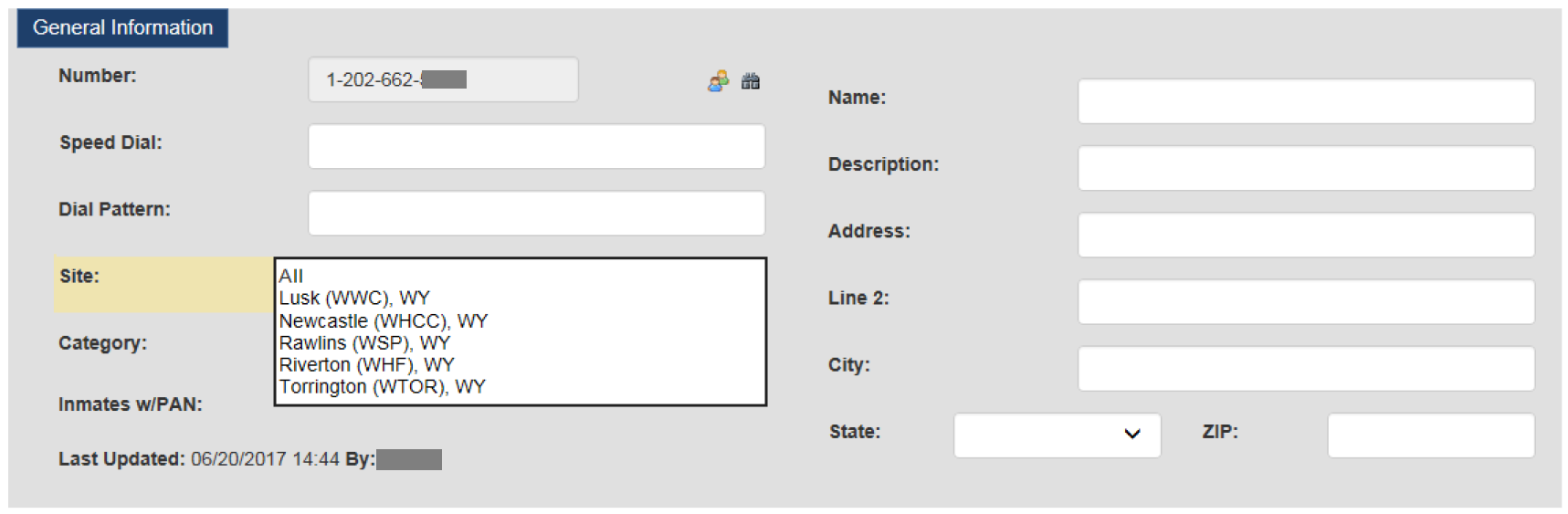
After you specify a site, you can customize and save the phone number to be called by inmates from the selected site only. After you select a site and click Save Changes, inmates from the specified site can call the number.
When you create a site-specific Number Detail Record, the new record is unique to the site. However, you can create a different Number Detail Record for the same phone number with different attributes for another site.