Downloading Call Recordings
After you have performed a Call Records search, you can save call recordings locally by clicking Burn / Download.
How to download call recordings
- Perform a Call Records search based on desired criteria.
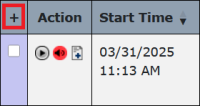
- In the leftmost column, click the checkbox for each call recording you want to download. To select all recordings in the displayed list, click
 above the checkbox column on the left side of the page.
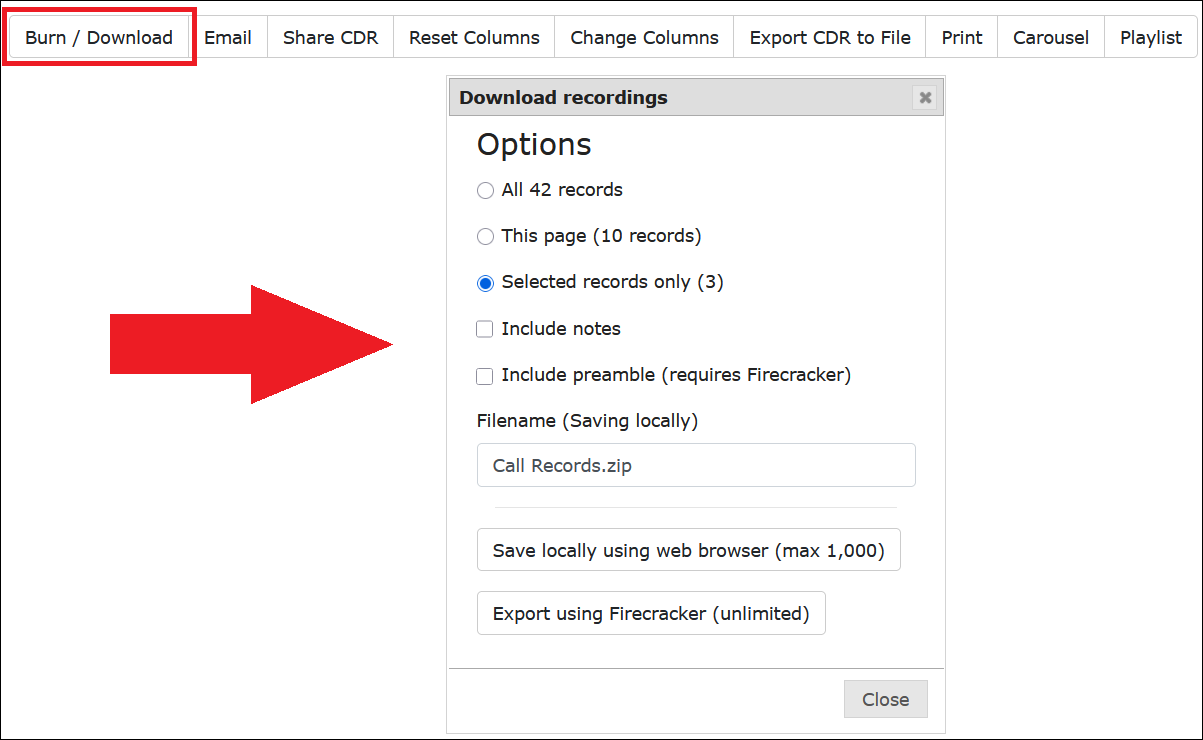
- Click Burn / Download. A pop-up window is displayed.
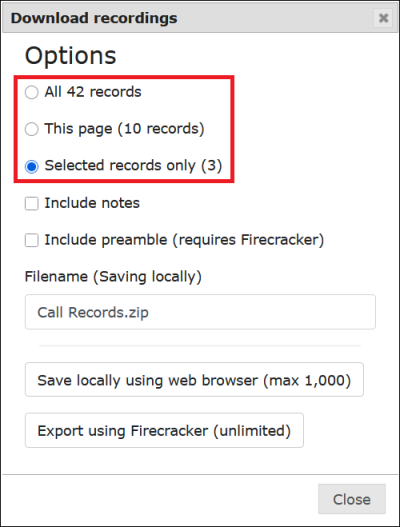
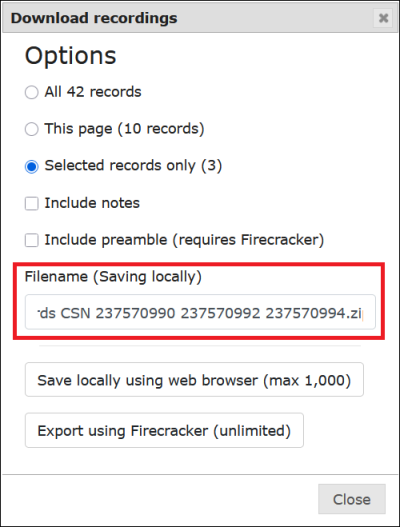
- Select the Option for which recordings to download.
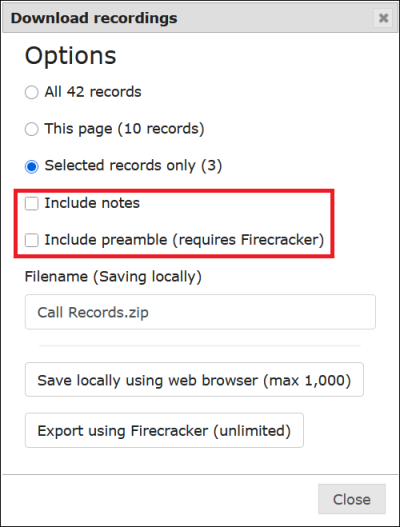
- Choose whether to include notes and/or the preamble.
- Enter a descriptive file name.
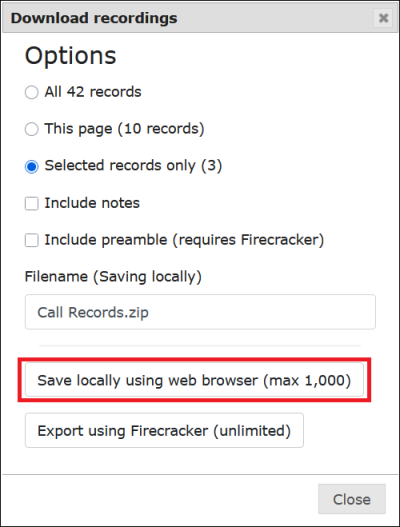
- Click Save locally using web browser (max 1,000).
- In addition to the downloaded recordings, The ENFORCER® also creates and downloads an Excel file containing the call records associated with the recordings you saved. This file is displayed in the compressed folder that was downloaded, as shown in the following example.
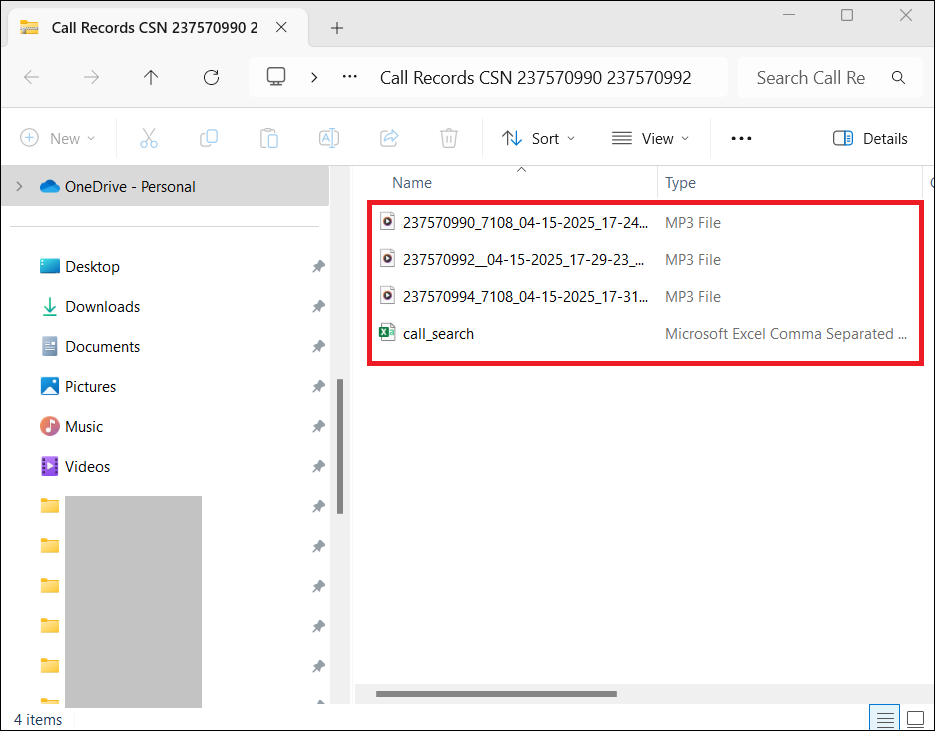
This file contains the default column headings or any additional columns you selected for the search before clicking Download.
This Excel file is the same file you can produce by selecting call records and clicking Export CDR to File.


